
Managing Media in WordPress: How to Use the Media Library
The block editor (also called Gutenberg) is WordPress’s default content editor. It uses blocks to build posts and pages.

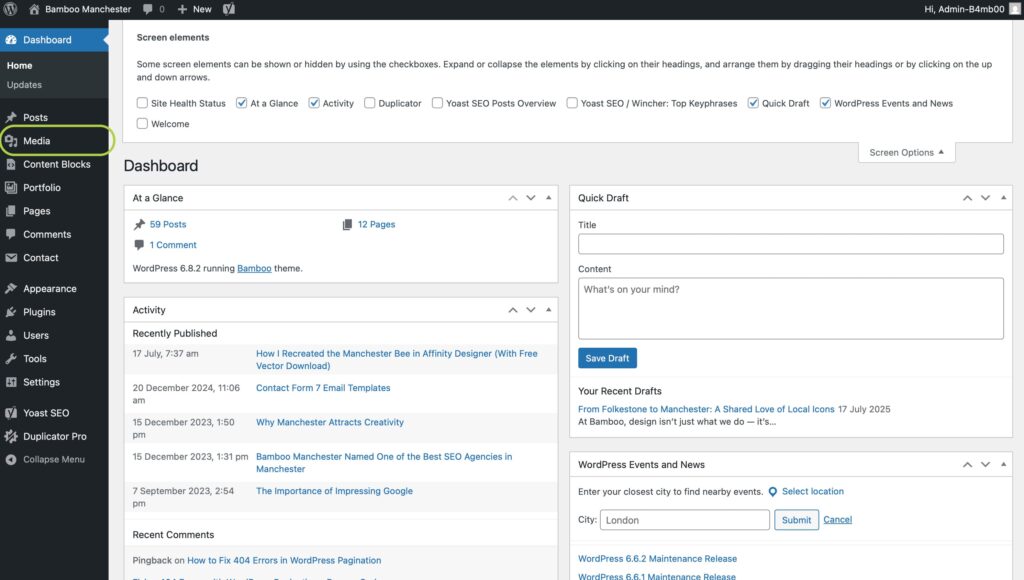
1) Accessing the Media Library
From the left-hand menu, click Media → Library.
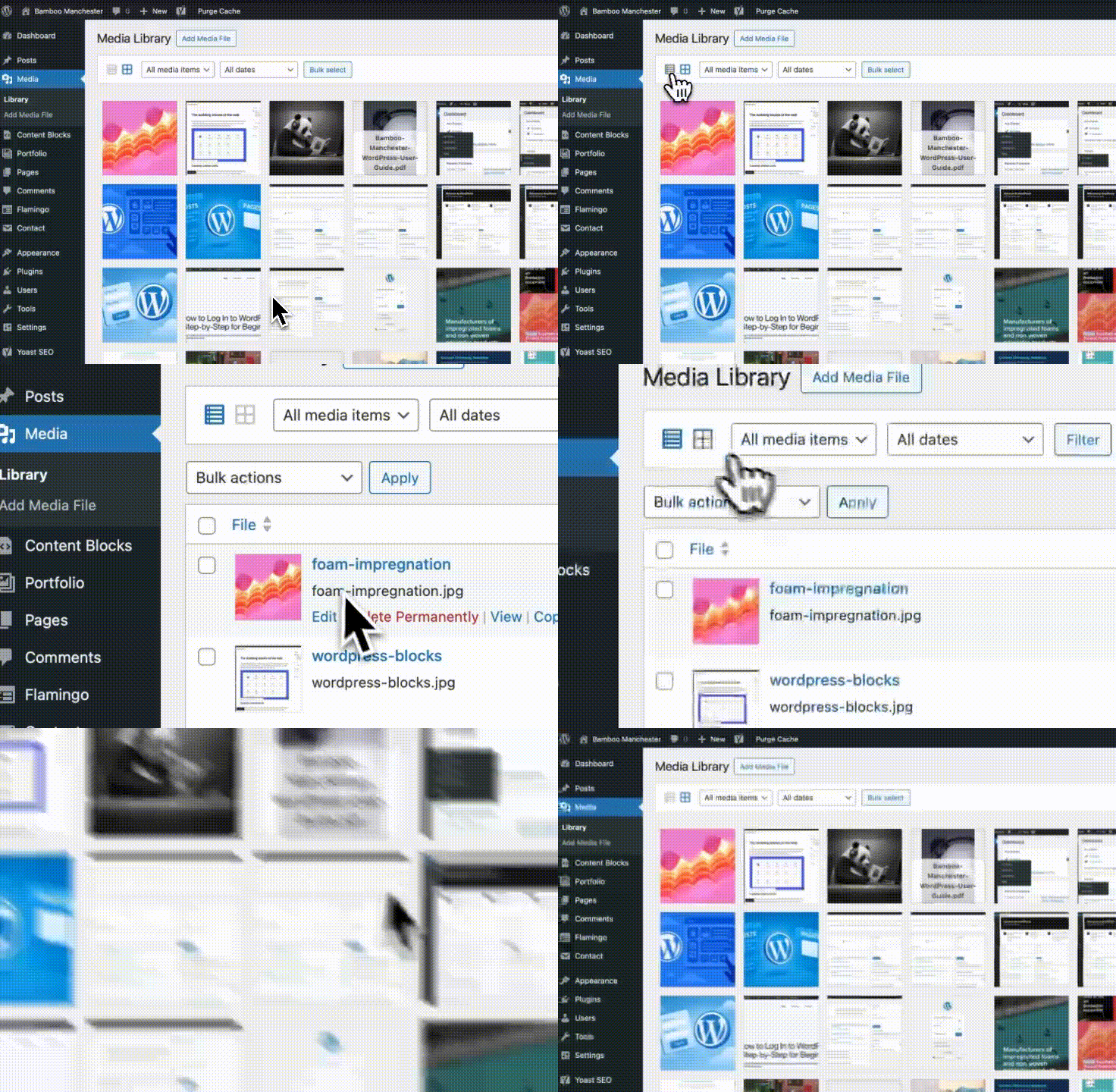
2) Views
Switch between Grid View and List View using the icons above the library.
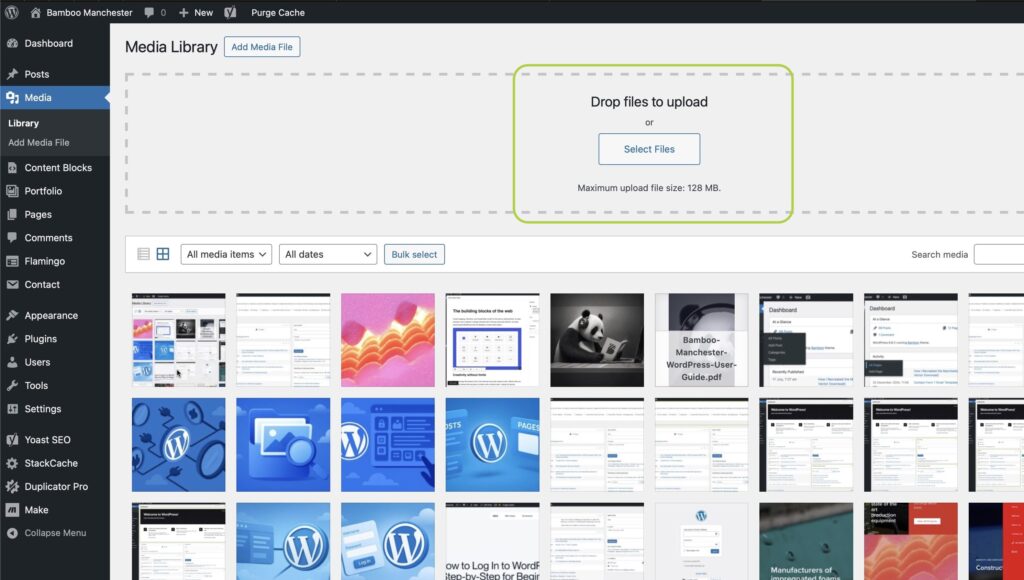
3) Uploading New Media
Click Add New, then drag and drop files or browse from your computer.
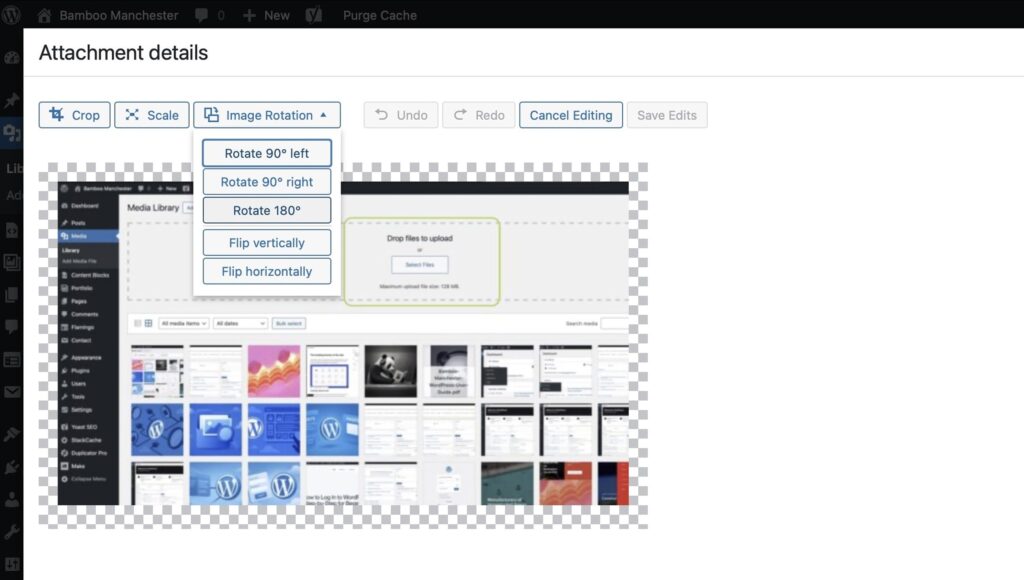
4) Editing Media
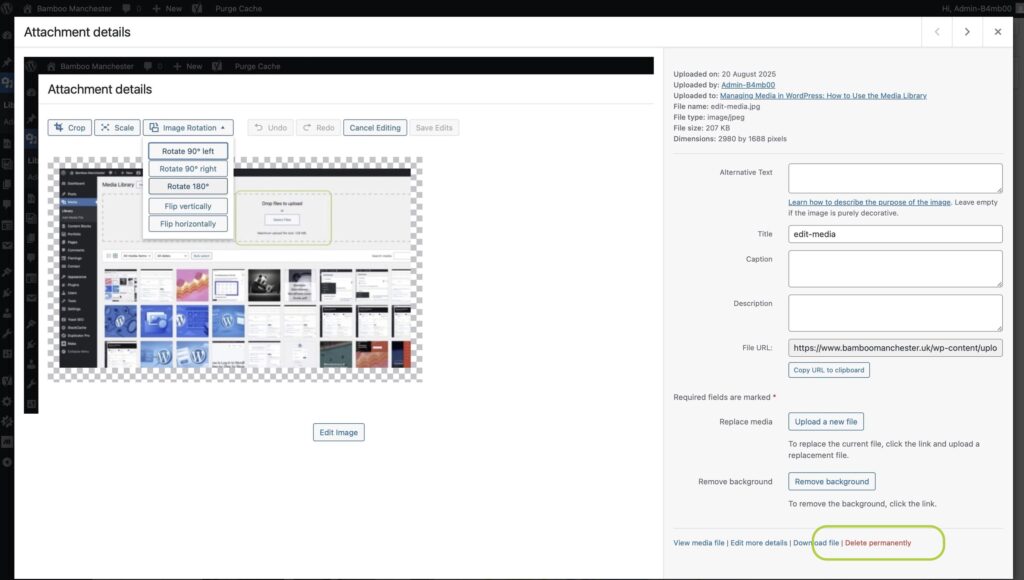
Click an item to view its details, change title/alt text, or replace the file.
5) Deleting Media
From List View, tick items and choose Bulk Actions → Delete Permanently.
What Are WordPress Plugins and How Do They Work?
Written by
Simon Nolan
Creative Designer & Developer
Hi, I’m Simon, and I run Bamboo Manchester. After more than 25 years working in web design and development, I still get the same buzz from bringing an idea to life on screen. Whether it’s crafting strong visual identities, improving SEO, Using AI or building completely bespoke WordPress sites, I care about making things that work beautifully and perform brilliantly.