
The WordPress Block Editor Explained (Gutenberg Guide for Beginners)
The block editor (also called Gutenberg) is WordPress’s default content editor. It uses blocks to build posts and pages.

1) What is a Block?
A block is an individual piece of content — a paragraph, image, list, button, etc. Each block is separate and can be moved or edited on its own.
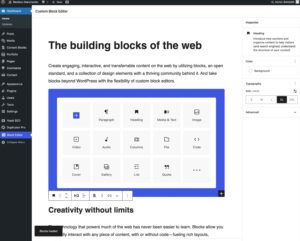
2) Adding a Block
Click the + icon to open the block inserter. Choose from text, images, headings, embeds, and more.
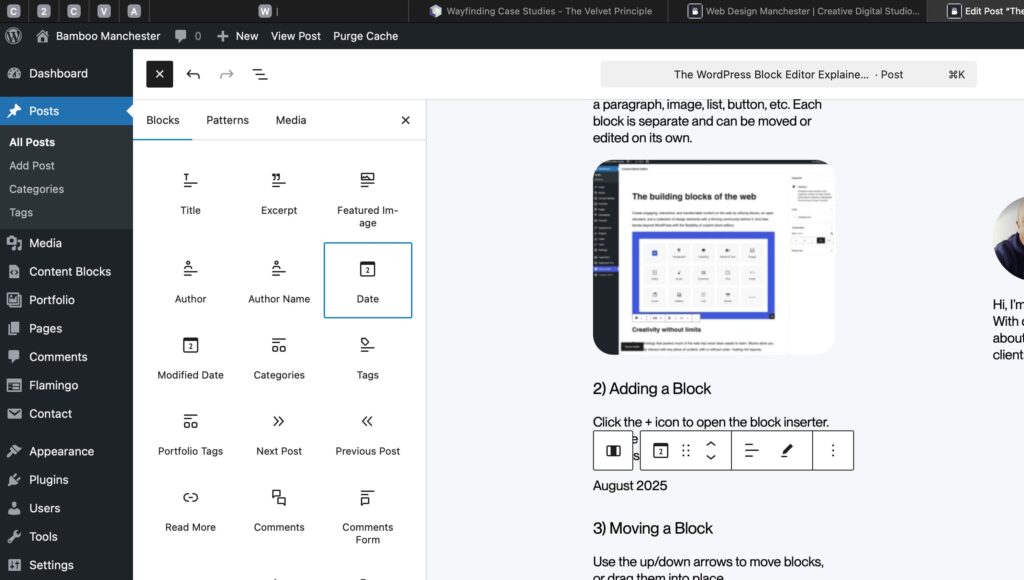
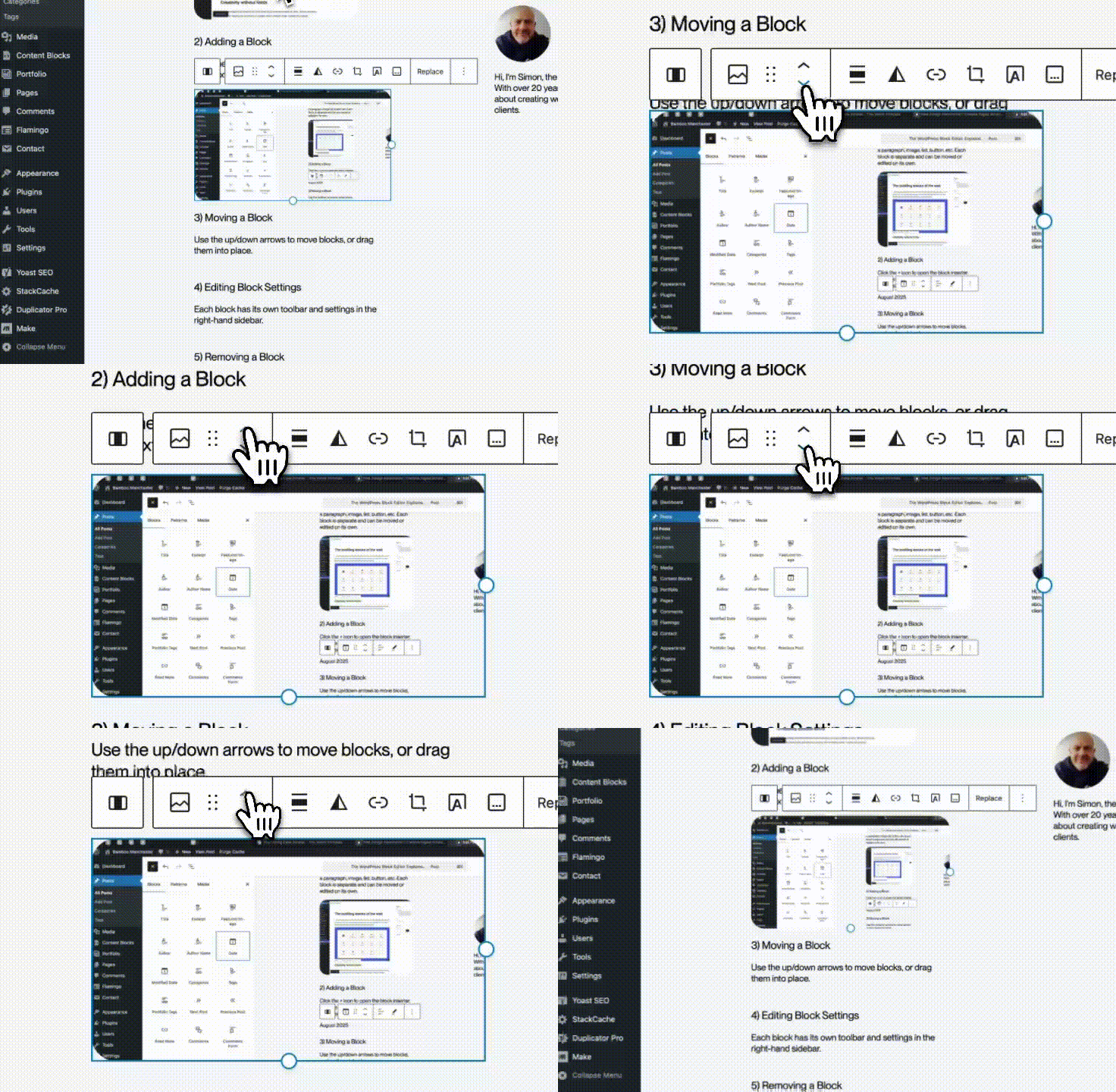
3) Moving a Block
Use the up/down arrows to move blocks, or drag them into place.
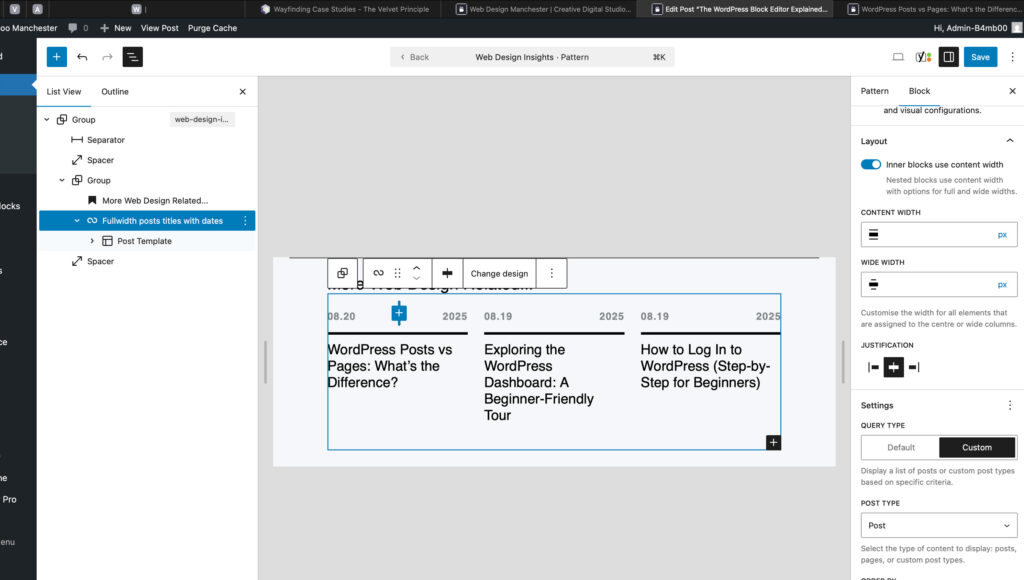
4) Editing Block Settings
Each block has its own toolbar and settings in the right-hand sidebar.
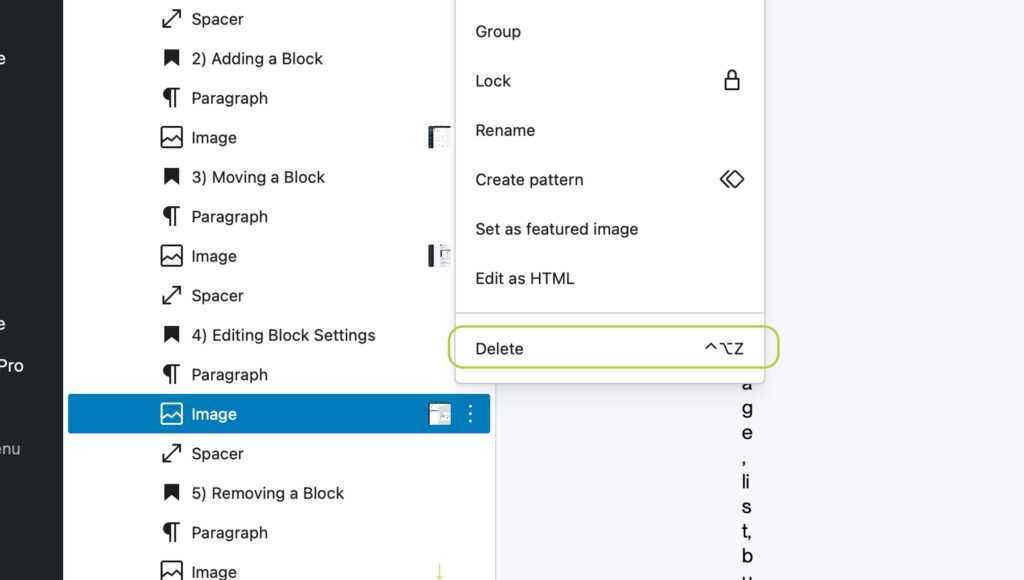
5) Removing a Block
Select the block, click the three-dot menu, and choose Remove Block.
Managing Media in WordPress: How to Use the Media Library

Written by
Simon Nolan
Creative Designer & Developer
Hi, I’m Simon, and I run Bamboo Manchester. After more than 25 years working in web design and development, I still get the same buzz from bringing an idea to life on screen. Whether it’s crafting strong visual identities, improving SEO, Using AI or building completely bespoke WordPress sites, I care about making things that work beautifully and perform brilliantly.