
Exploring the WordPress Dashboard: A Beginner-Friendly Tour
The WordPress Dashboard is where it all happens. Once you’re logged in, this is your control room.
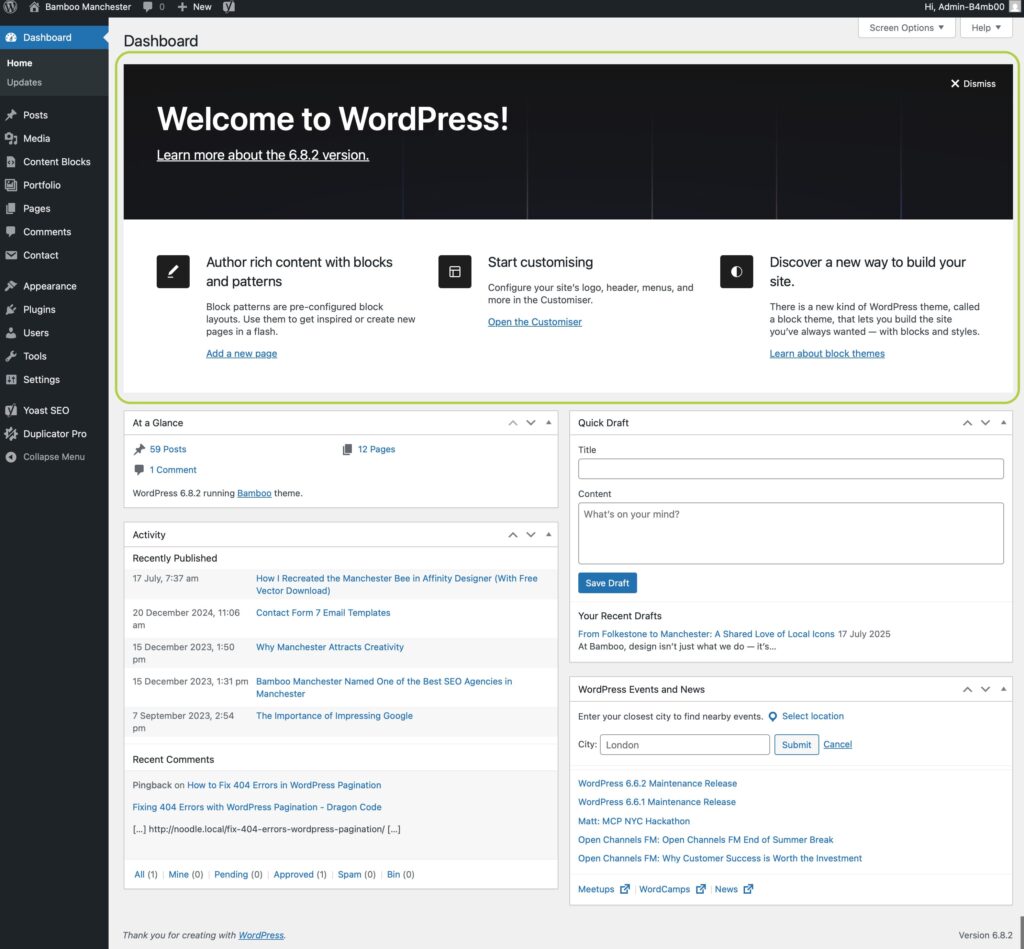
1) Welcome to WordPress
Quick links to get started. This can be closed.
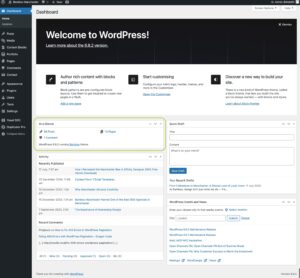
2) At a Glance
Shows posts, pages, comments, active theme, WordPress version.
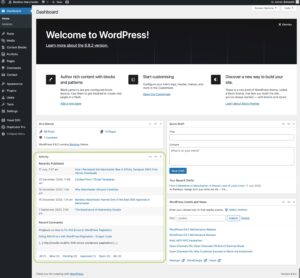
3) Activity
Displays recent content updates and comments.
4) Quick Draft
Jot down ideas for posts.
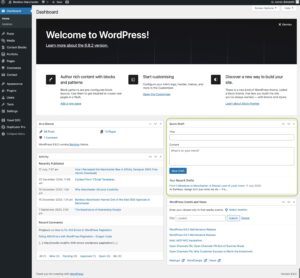
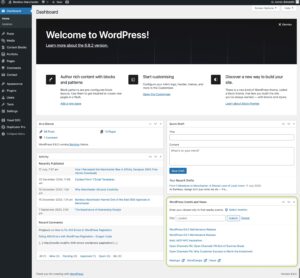
5) WordPress News
Updates from WordPress.org.
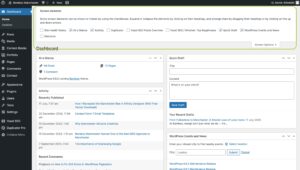
6) Screen Options
Toggle panels on/off, change layout.
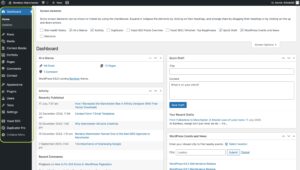
7) The Left-Hand Navigation Menu
Access posts, media, pages, comments, appearance, plugins, users, tools, settings.

WordPress Posts vs Pages: What’s the Difference?

Written by
Simon Nolan
Creative Designer & Developer
Hi, I’m Simon, and I run Bamboo Manchester. After more than 25 years working in web design and development, I still get the same buzz from bringing an idea to life on screen. Whether it’s crafting strong visual identities, improving SEO, Using AI or building completely bespoke WordPress sites, I care about making things that work beautifully and perform brilliantly.